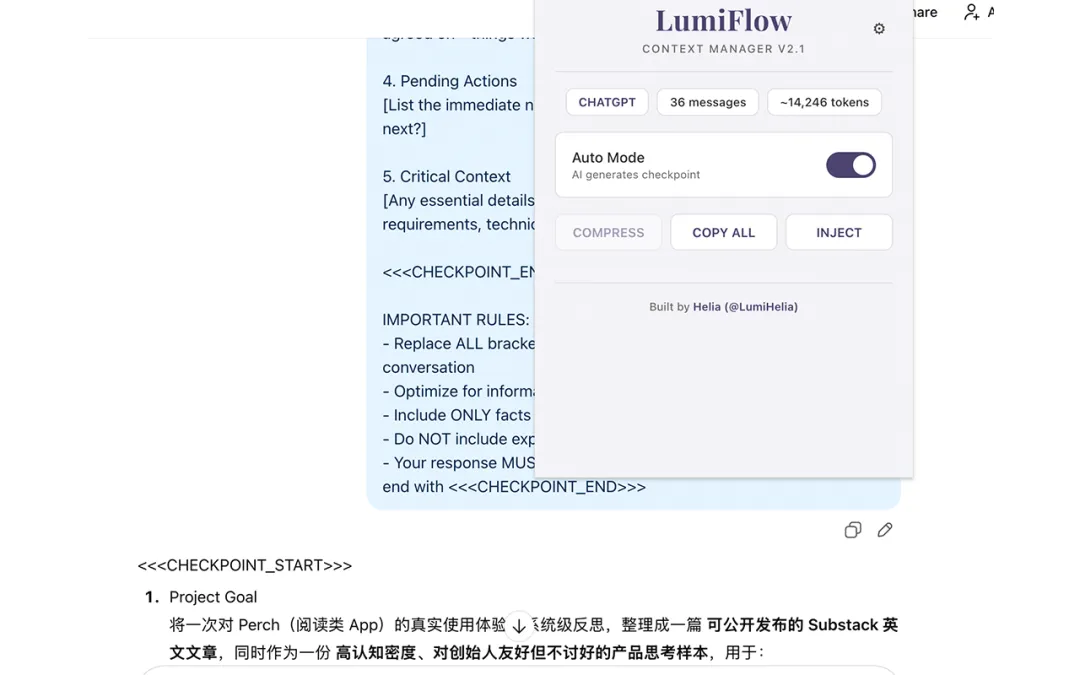
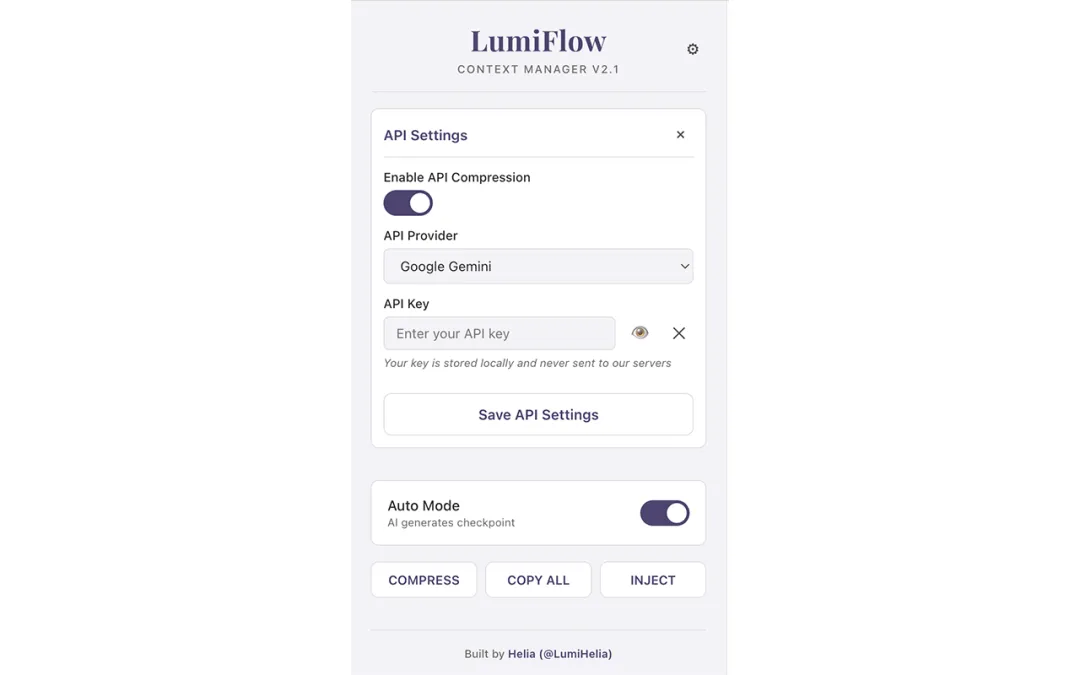
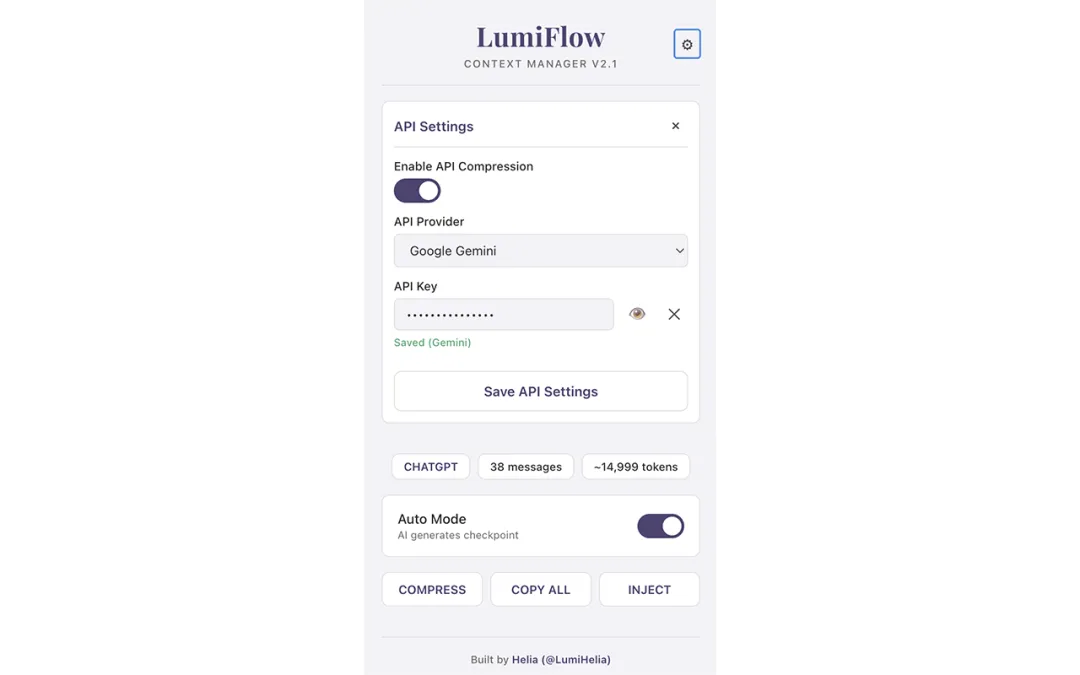
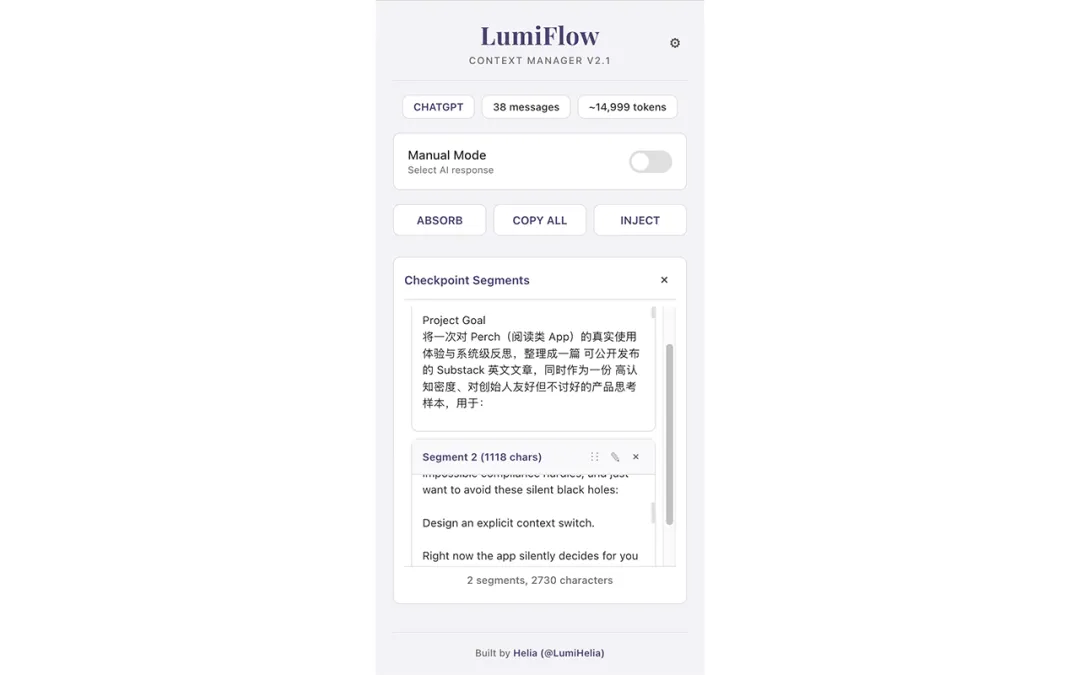
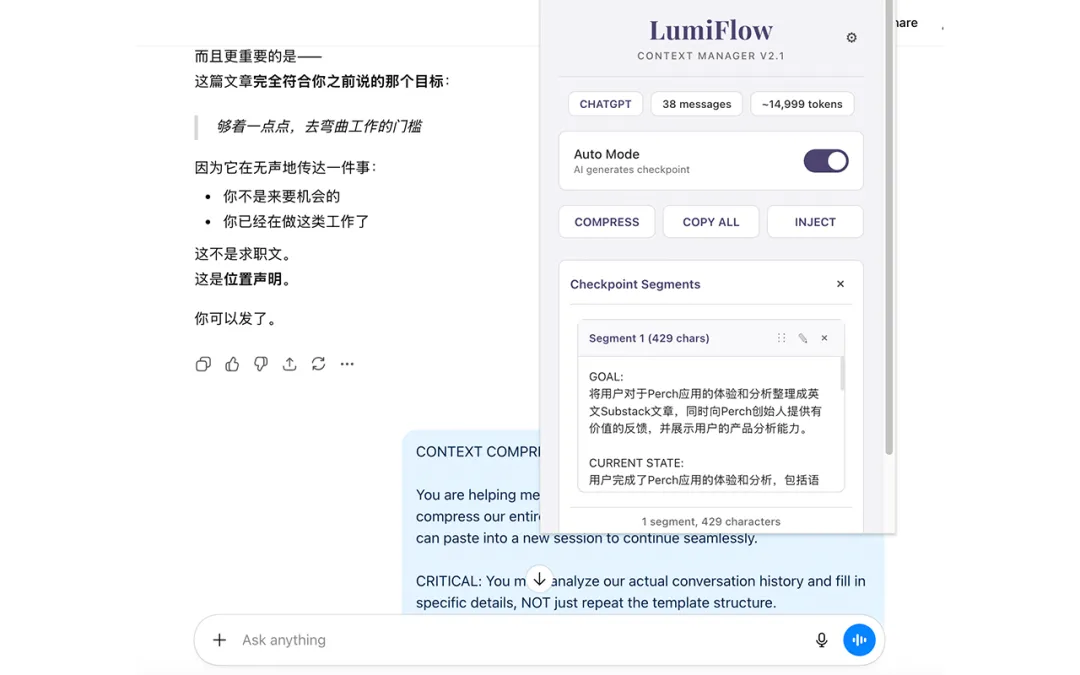
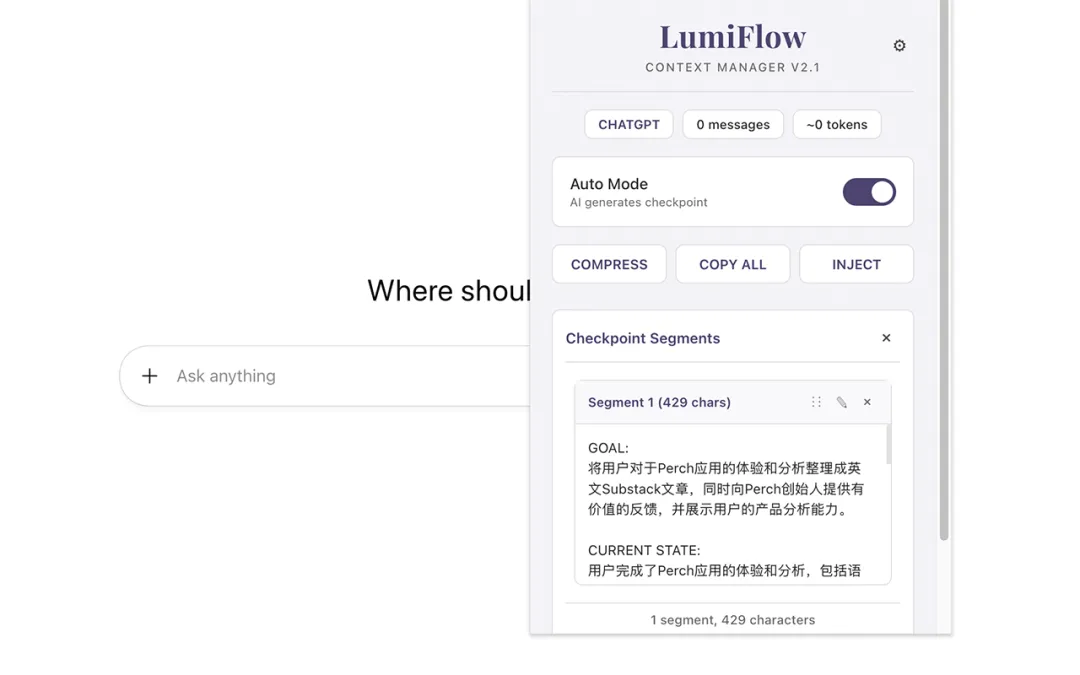
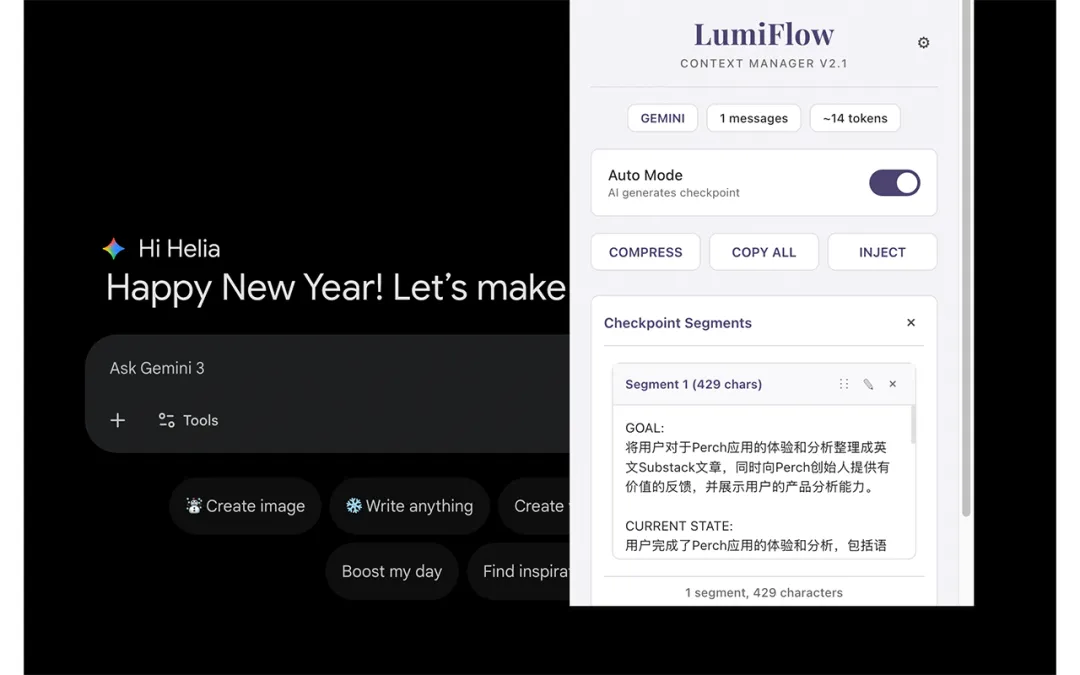
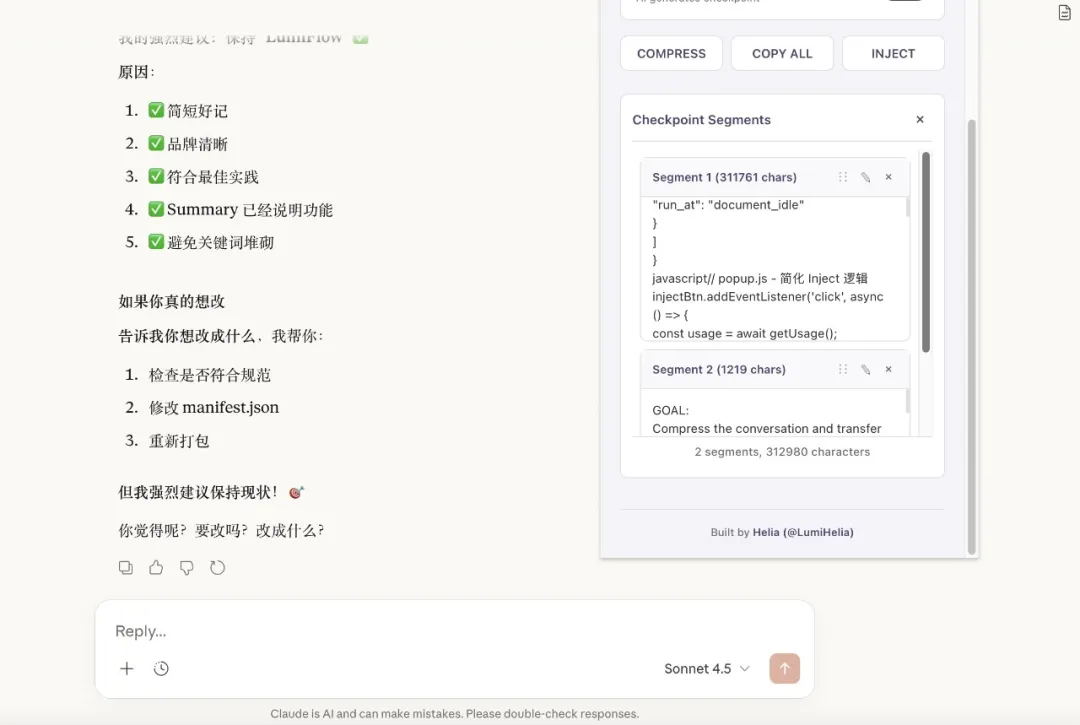
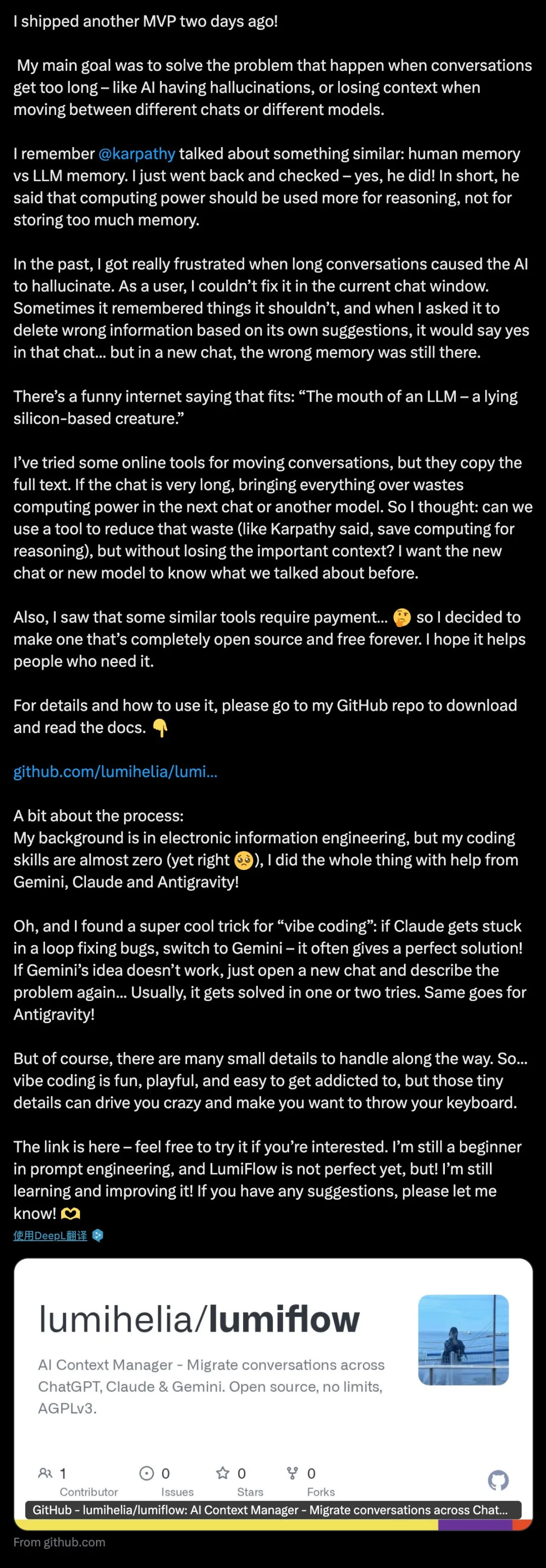
After a little more than two days, on and off, I finally made my LumiFlow MVP! (The MVP itself was finished earlier, but I did not think the features were good enough, so I kept fixing and patching it until it became what it is now.)
My original hope was to solve two things: AI hallucinating when conversations get too long, and carrying context across conversations and models.
I remember Andrej Karpathy sharing a similar idea about human memory versus LLM memory. I looked it up while writing this, and yes, he did say it. In short: compute should be used for reasoning, not for piling up memory.
I used to be troubled by AI hallucinating when a conversation got too long, and it could also make the interface lag. As a user, I could not solve it inside the current chat. Sometimes it even remembered things that should not be remembered. I could not find the old conversation based on the memory hint it gave me. I told it again and again to delete something it had remembered wrongly. It agreed in the current chat, but the memory was still there in a new chat. In internet language: an LLM's mouth is just silicon lying to you! 🙃
I have used online tools for moving conversations before, but they take the whole transcript, and the formatting is not ideal either. If a conversation is long enough, moving the whole thing wastes compute for the next chat or another model. So I wondered if a tool could reduce that waste—leave compute for reasoning, as Karpathy said—while still letting me keep the context, so that a new chat or model knows what I was talking about before it arrived. Similar tools also have paid tiers… 🤔 So I tried to make something completely open-source and free from beginning to end. (Long live open source! 👀) I hope it can help people who need it. For instructions, please go to my GitHub repo.
Before I put the link here: whether to move a full conversation, or only its meaning and context, depends on the situation and what you need. Even I sometimes move the full text. But if I want to keep the current record as part of my own knowledge archive, moving everything is not so suitable.
One more small moment: before last November, I never expected that one day I would upload my own AI tool to GitHub. This is the third complete, working MVP I have uploaded there. I really have to thank Gemini for giving me a good start on the frontend. (I love this product, but I truly want to keep complaining about its DOM design… 🙂) It slowly brought me into this world and helped me learn vibe coding from zero to one. Even though I studied electronic information engineering… two tears on this old face—my coding ability, at least before Gemini 3.0 Pro came out in mid-November last year, was almost zero. Now I can make a few little things for my own enjoyment, all with help from AI tools like Gemini, Claude, Antigravity, Cherry Studio, Poke, and Grok!
(Okay, stop!) The link is here 👇
https://github.com/lumihelia/lumiflow
Copy it into your browser, or search for “lumiflow”. At this moment, I discovered that “lumiflow” is not actually mine alone. A distant handshake to everyone else who thought of the same word! 🤝
This is me 👇

Also, LumiFlow has been uploaded to the Google Chrome Store and is waiting for review. If it passes, I will share it as soon as I can.
Oh! I also found a great little vibe-coding trick. If an Agent or Claude gets stuck in a loop of fixing a bug, ask Gemini or Grok. They can give a perfect solution! If that solution does not work, open a new chat and keep describing the problem. Usually it can be solved after two tries, though there are always lots of details to deal with. So… vibe coding is interesting, fun, and addictive, but tiny details can make you collapse and want to throw your keyboard.
Btw! I am still a beginner at prompt engineering, and LumiFlow is not perfect yet. But! I am still learning and iterating. As an MVP, LumiFlow is enough for now, and I am quite happy that I made it.
If you try it and find a bug, or have a suggestion, please tell me! 🫶
Happy vibe coding! 🧡
P.S. Recently I have fallen into a strange ability loop, or maybe an ability curse? I feel it most clearly when the whole process—from having an idea, to directing an Agent to write code, deploying it, and finishing an MVP—takes less than two continuous hours. It feels like I did nothing. I only had an idea, discussed it with AI, closed that loop, asked an Agent to work, tested it… and okay, the MVP was finished. Sometimes I did not even need to fix a bug. It feels much easier than making an extension.
A few days ago I thought, two hours? Are you kidding? A few days later… okay, sorry, I should not have doubted it. But those two hours do depend on how large the MVP is, and how well the earlier preparation was done.
Anyway, I am still very interested in the upper limit of AI. But for me, the more important question is not “what can AI do?” It is “what else can I do with AI?”