On New Year's Day, I got some New Year wishes from friends. One person asked where I had gone to have fun. I said: nowhere. I was vibe coding!
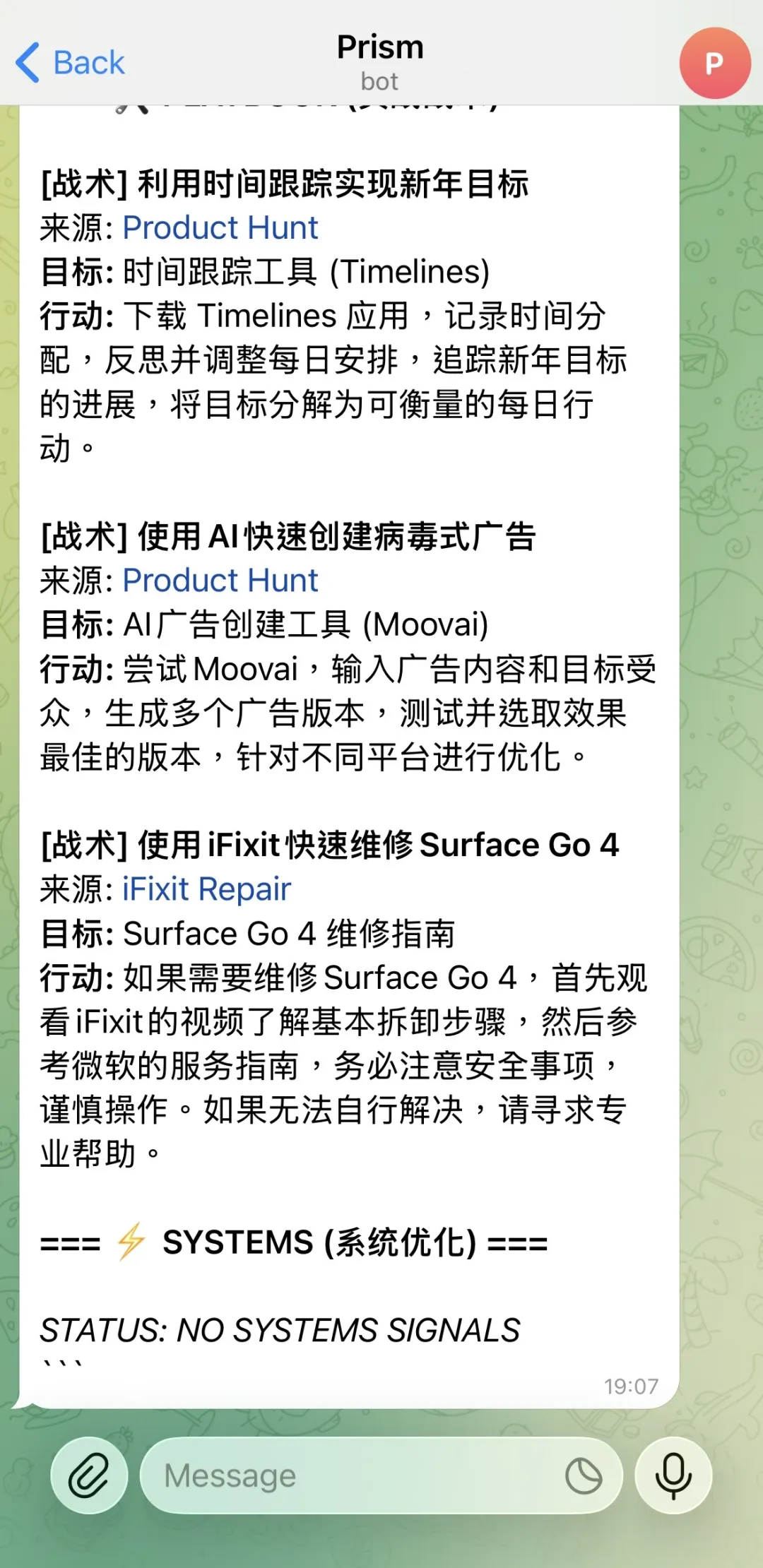
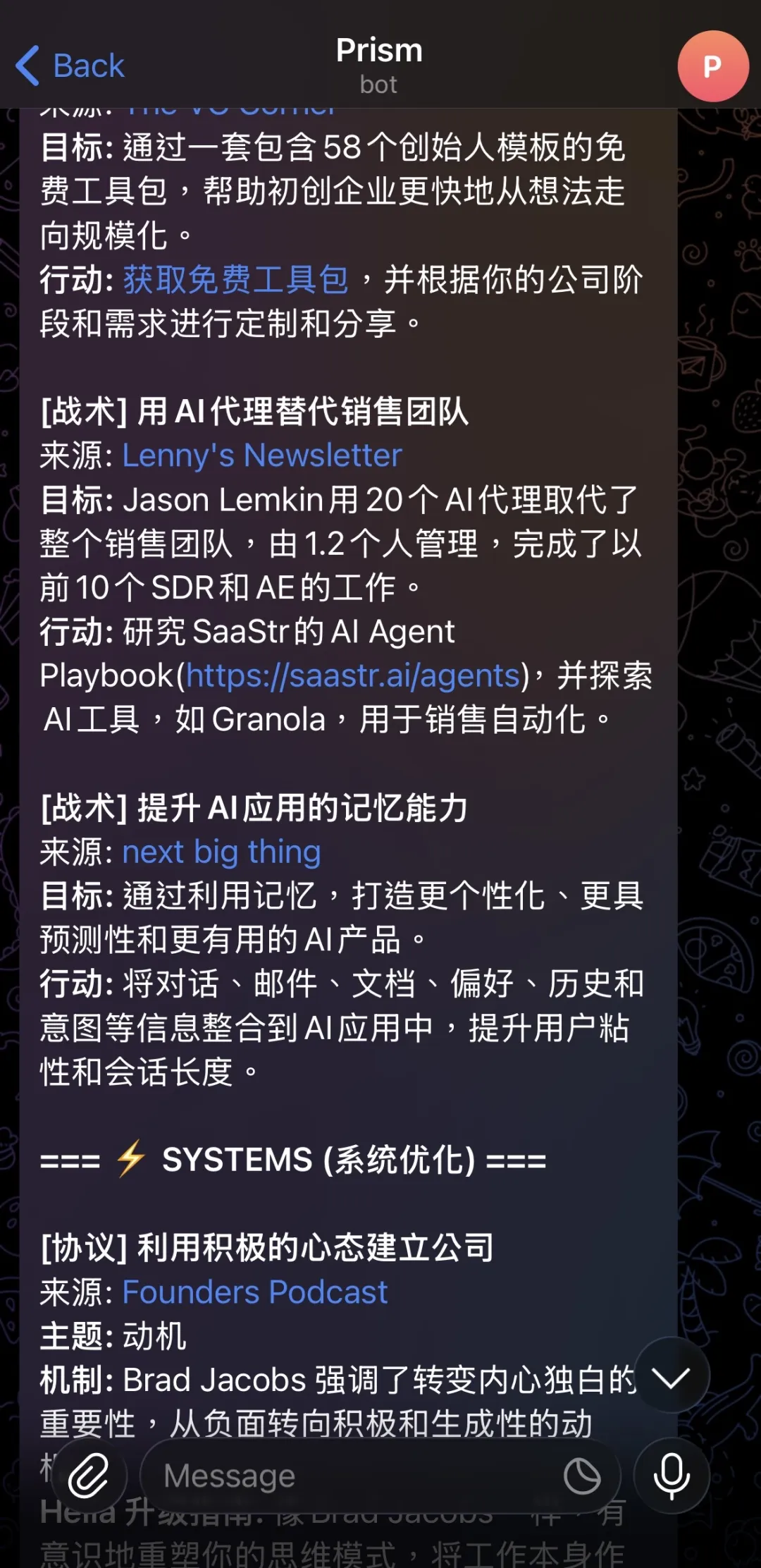
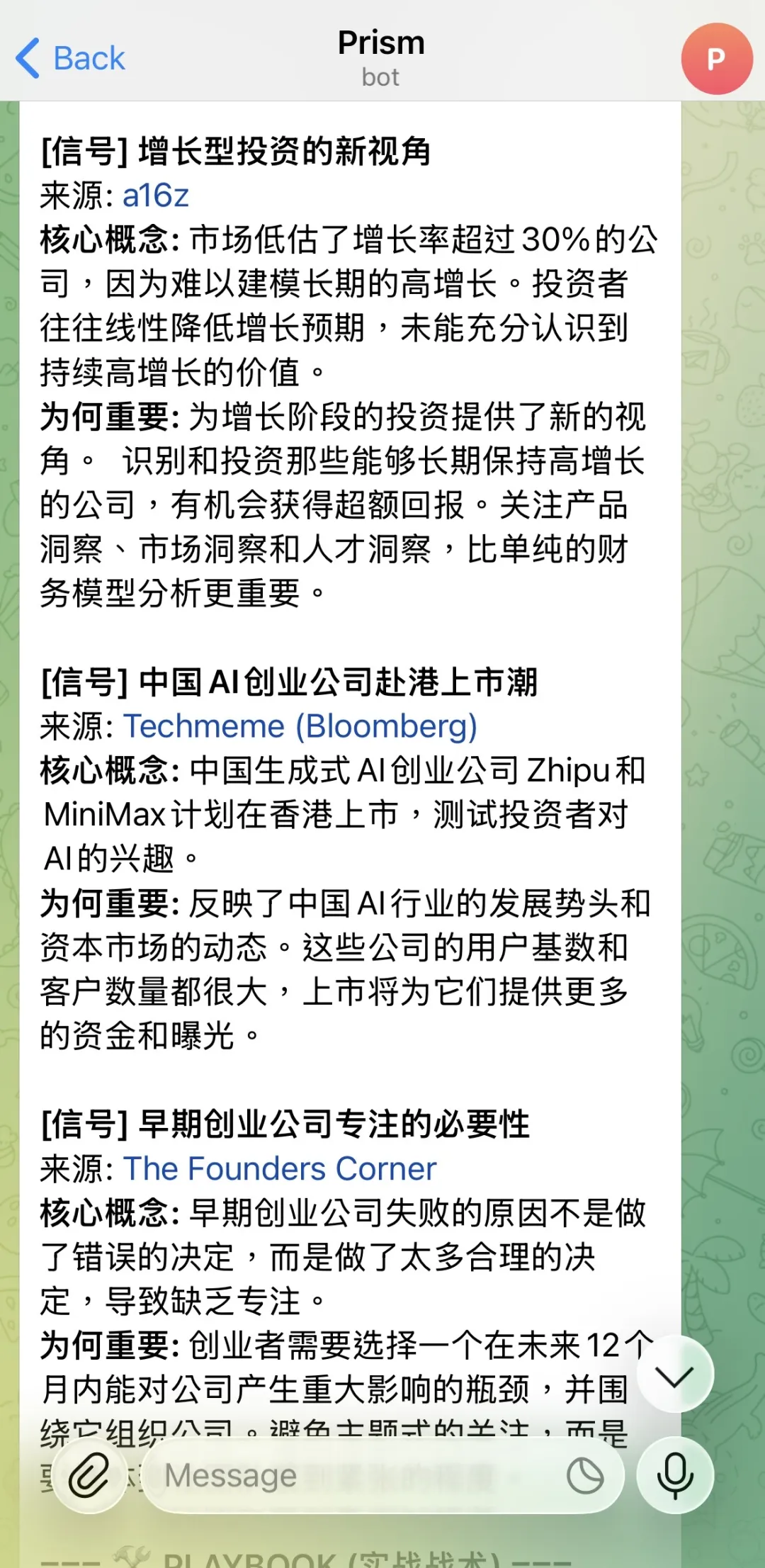
And just like that, I built myself a private and super powerful information system. (Let me exaggerate a little and call it a system for now~)
It started because I really wanted to receive high-quality information in real time, but my time is limited. I cannot use every tiny moment to look for it, especially when I am doing this out of personal interest rather than for work.
So I wondered: could I make a tool for myself?
OK! I spent less than a day, on and off, learning and working with my Agent. Done!
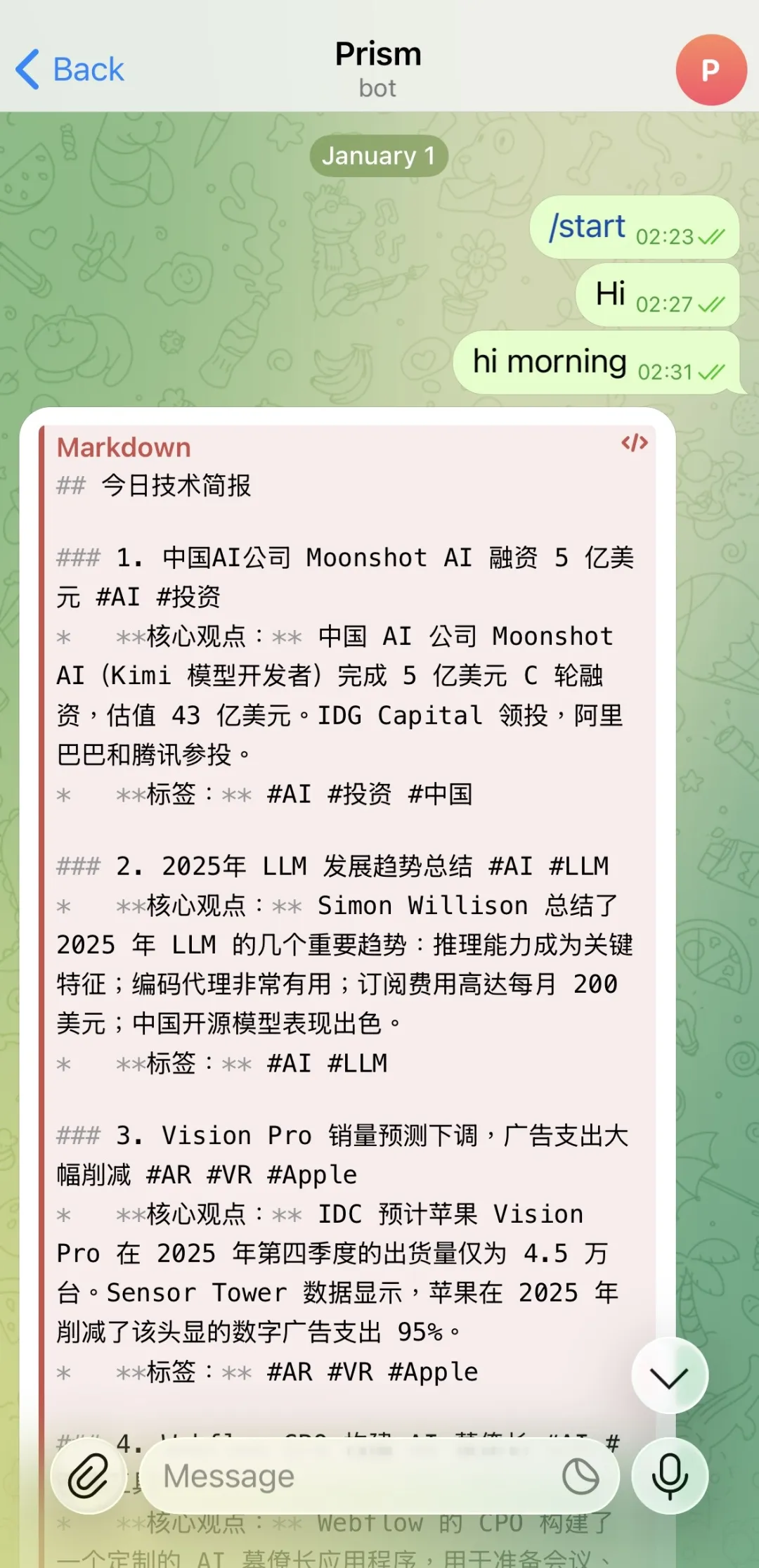
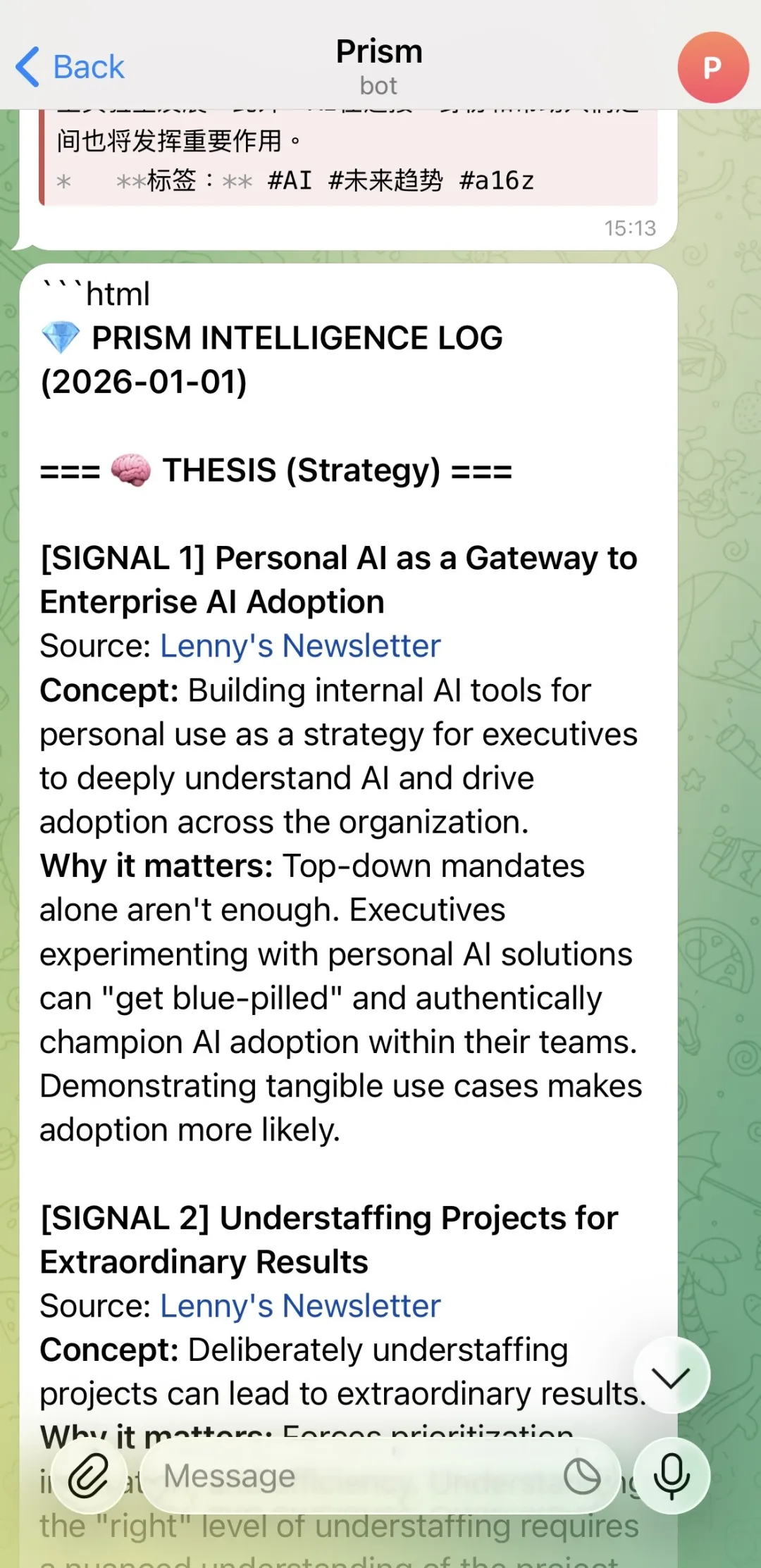
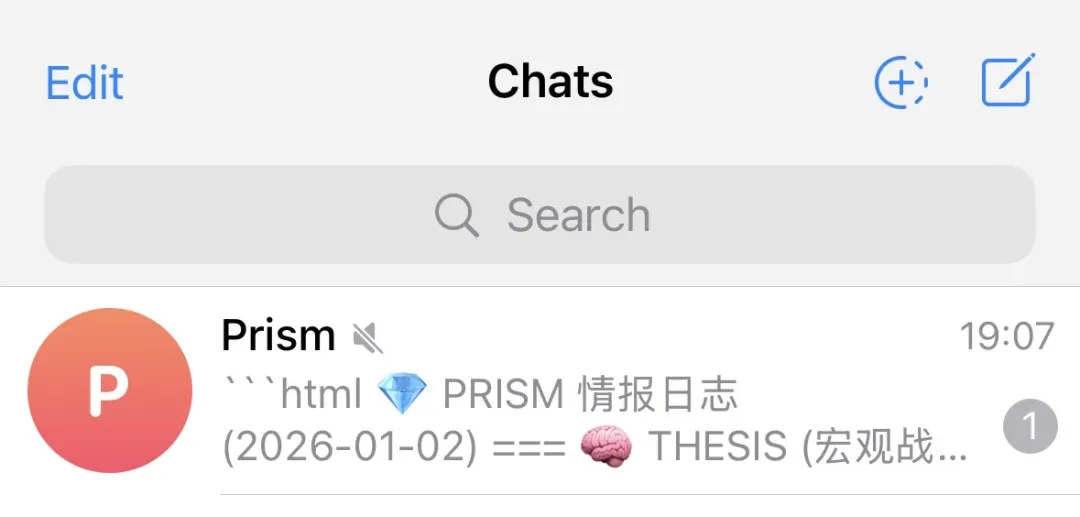
Its name is Prism. You can scroll down to see the later versions.
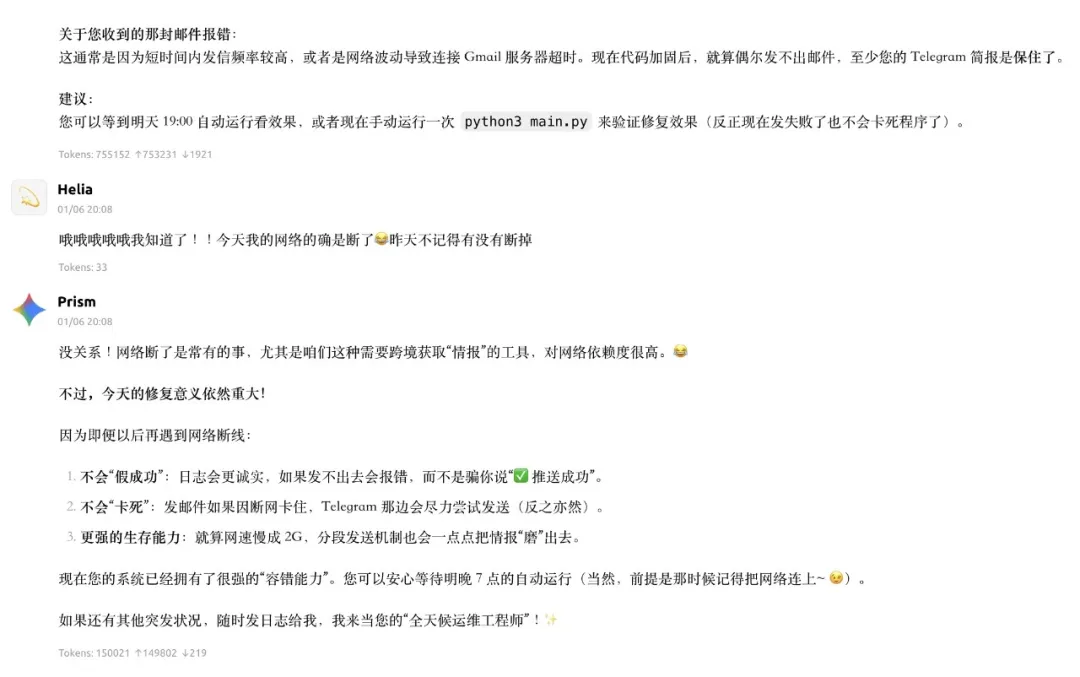
Today is the seventh, so it has been about a week since the MVP went live. I finished the MVP on the first. It started running on a schedule on the second, though I was still changing the format and the prompts. It ran steadily on the third and fourth. A bug appeared on the fifth: I got an error email but no Telegram message. I was busy with something else, so I did not deal with it. It failed again on the sixth, so I had to go back and fix the bug. Today it is running steadily again. I am looking forward to seeing what comes next~
This is how my Prism works:
1️⃣ Choose information sources. I still have to choose these myself. I cannot be lazy. I would rather not make the exact sources public—when it comes to information in the fields we care about, everyone has their own taste~
2️⃣ Write a prompt to filter and compress the information. This really depends on the person. If you do not know how to set one up, the simplest thing is to talk with AI and tell it exactly what you need. It can give you the best prompt it can think of at the highest information density in your conversation.
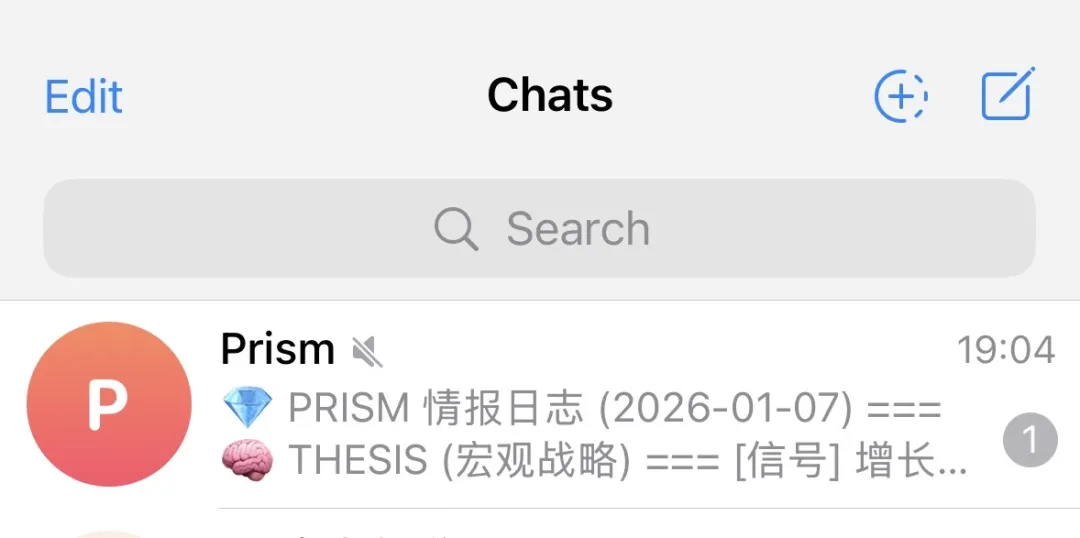
3️⃣ Choose a way to receive it. At first the filtered information appeared in the terminal, but that was annoying for me. Every time Prism worked, I had to open my computer and look at the terminal… no. So! Telegram! My Agent suggested it, and I am grateful that it showed me the way and taught me from the beginning until it finally worked. I mentioned email earlier too. Yes, I added two channels: my email, which is connected to my Apple ID, and Telegram! (I love Telegram. I am a loyal Telegram user!)
So in short: first, have information sources; second, have a prompt for filtering and compression; third, arrange a way to receive it.
For the rest, leave it to AI and Agents! Including hidden risks—you need to ask about those clearly too.
About Agents! I really, really, really recommend Cherry Studio. You can look at its official WeChat account or Xiaohongshu to learn what it is and what it can do. The first time I used an Agent to make a complete usable product was with Cherry Studio's help. Long live open source! 👀 Btw, unless something unexpected happens, I will post another article tomorrow to share the extension I mentioned in my last note—an open-source extension! The bug is basically fixed. If there are more bugs, tell me and I will keep fixing them hahahahaha!
If you have a Gemini Pro account but cannot use Antigravity directly because of technical issues, Cherry Studio is a perfect choice. It is also completely OK to connect it to Anthropic's API!
Finally, thank yourself and share the happiness!
If this can help you on the other side of the screen, I will be very happy! 🫶
Happy vibe coding!