I have been making two tools recently. I have gained a little, and I am also still confused about many things. There are too many small details, so I will go straight to the main points.
First, a disclaimer: I do not have an answer to the question in the title yet. This is only a record from the process of exploring.
01
I am building a tool that can help me dig out insights. I want it not only to find valuable information in material, but to map that information to my work or the topics I care about, and even bring in a few real examples. I named it LumiLens. The results of testing so far are pretty good.
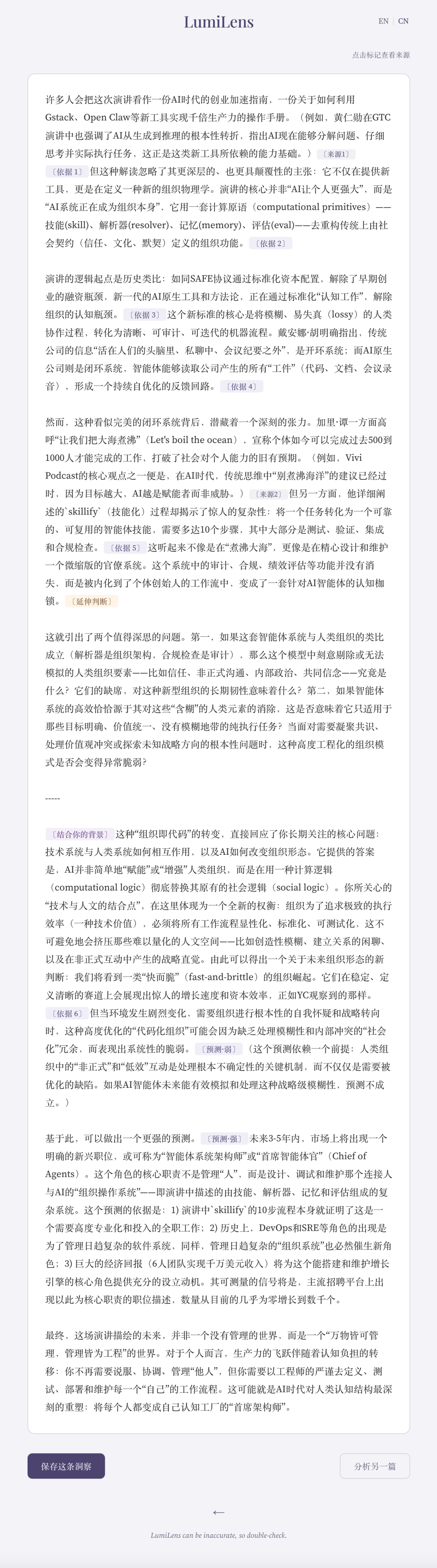
But something unexpected happened in the process. It made me a little happy and a little quietly worried. When I checked whether the source of an example it embedded was real, the page that opened was an rss.xml file — an RSS feed. I did not understand it at first. I thought sources would always be links. How could it find an RSS link?
In other words, when I clicked ‘Source 2’ in the image above, I jumped to the XML source view. The image below is the ‘source’ of what it quoted:
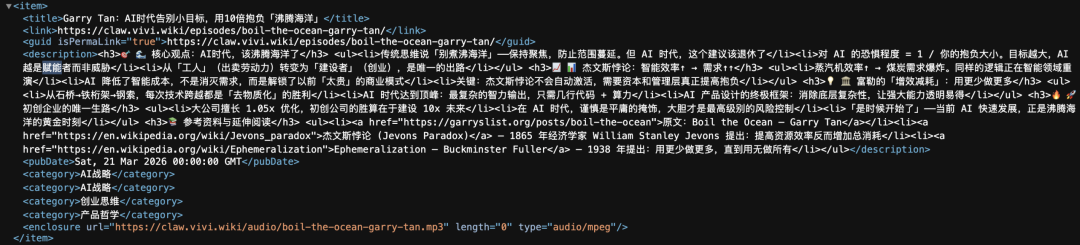
Then I realized: RSS is already a subscription source for machines to read information, so of course it is normal for AI and agents to read it. I had just forgotten that the AI and agents we are used to are machines too.
So I wondered: when I make content, could I also make an entrance for AI and agents to read it?
RSS is one way to make that entrance.
But then I thought: that would also make it easier for people with bad intentions to poison AI and agents in reverse.
If I am too lazy to check the source, too lazy to see whose RSS the link belongs to, too lazy to see which podcast that RSS is related to, then I will never know whether LumiLens's example is real.
Oh, I should explain. The example LumiLens read came from an episode on a podcast-insight website made by a product manager. It looked like an AI-made deep interpretation of that podcast episode. So LumiLens did not receive first-hand podcast information. To verify whether it was true, I would still need to go back to the podcast source itself, rather than stop at the website's interpretation.
02
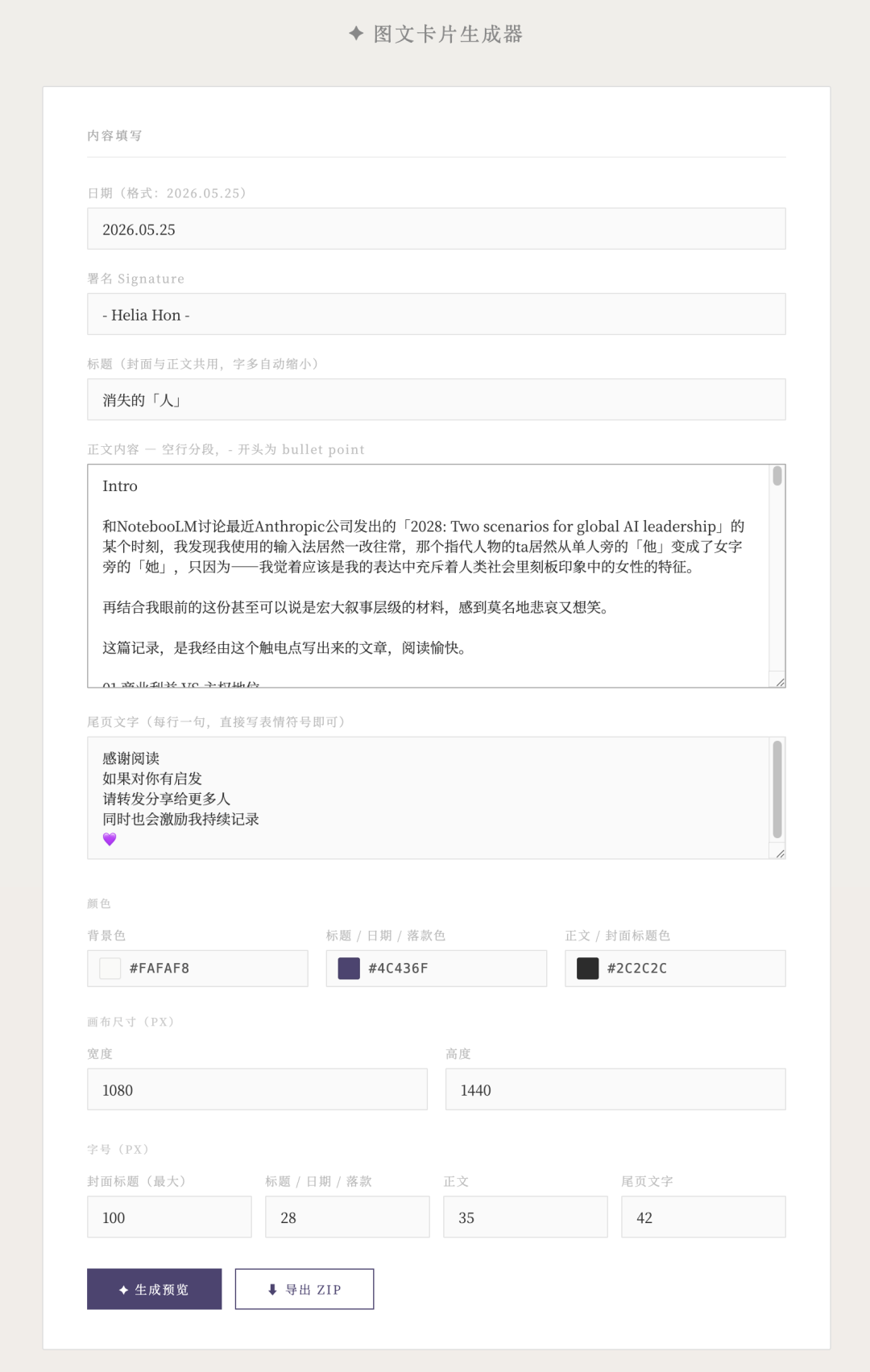
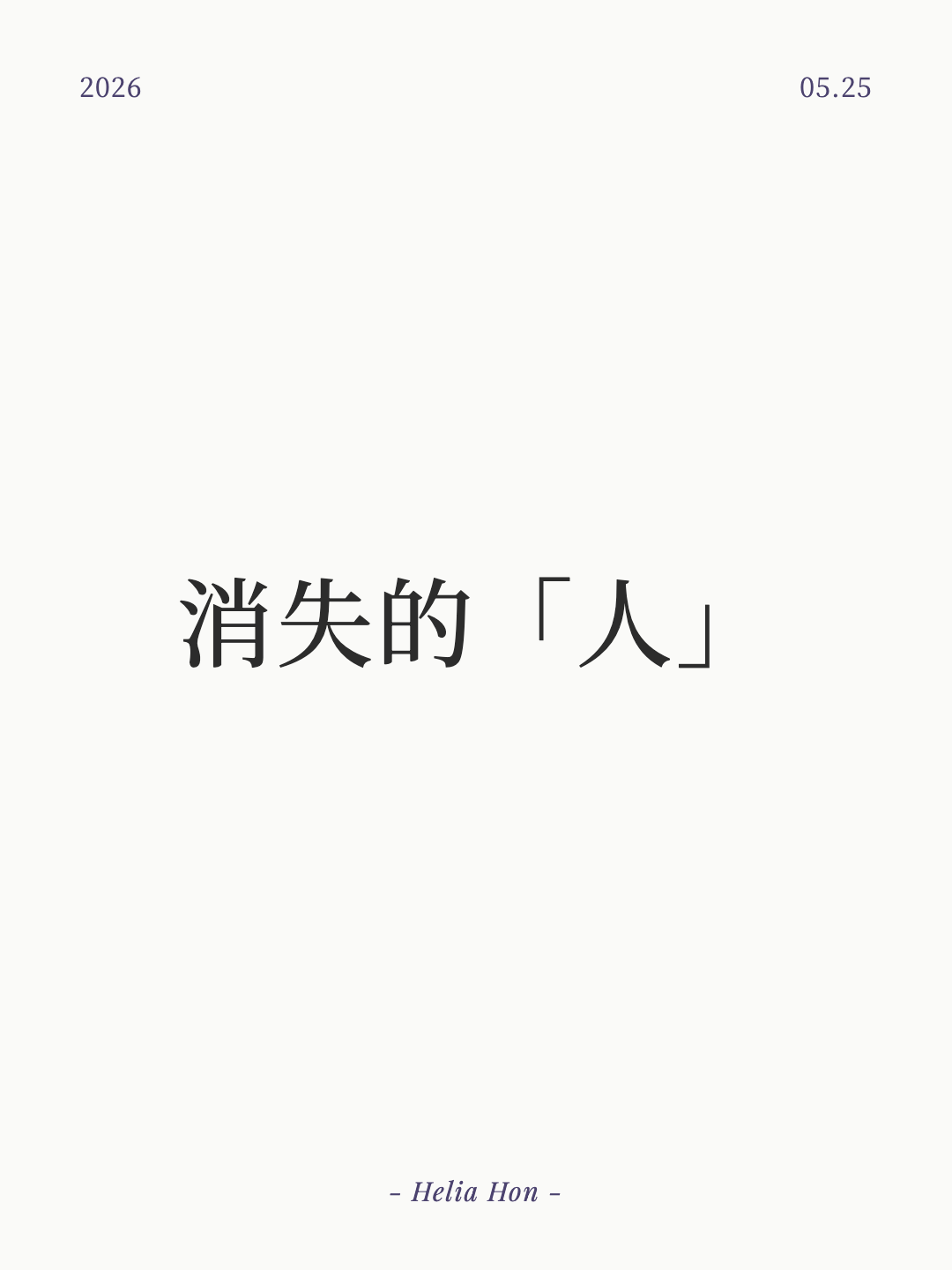
I tried making a graphic-card generator. If the kind of content I share is fixed into templates, it saves trouble. While making it, I found, oh, the effect is actually quite good. It looks clean and simple:
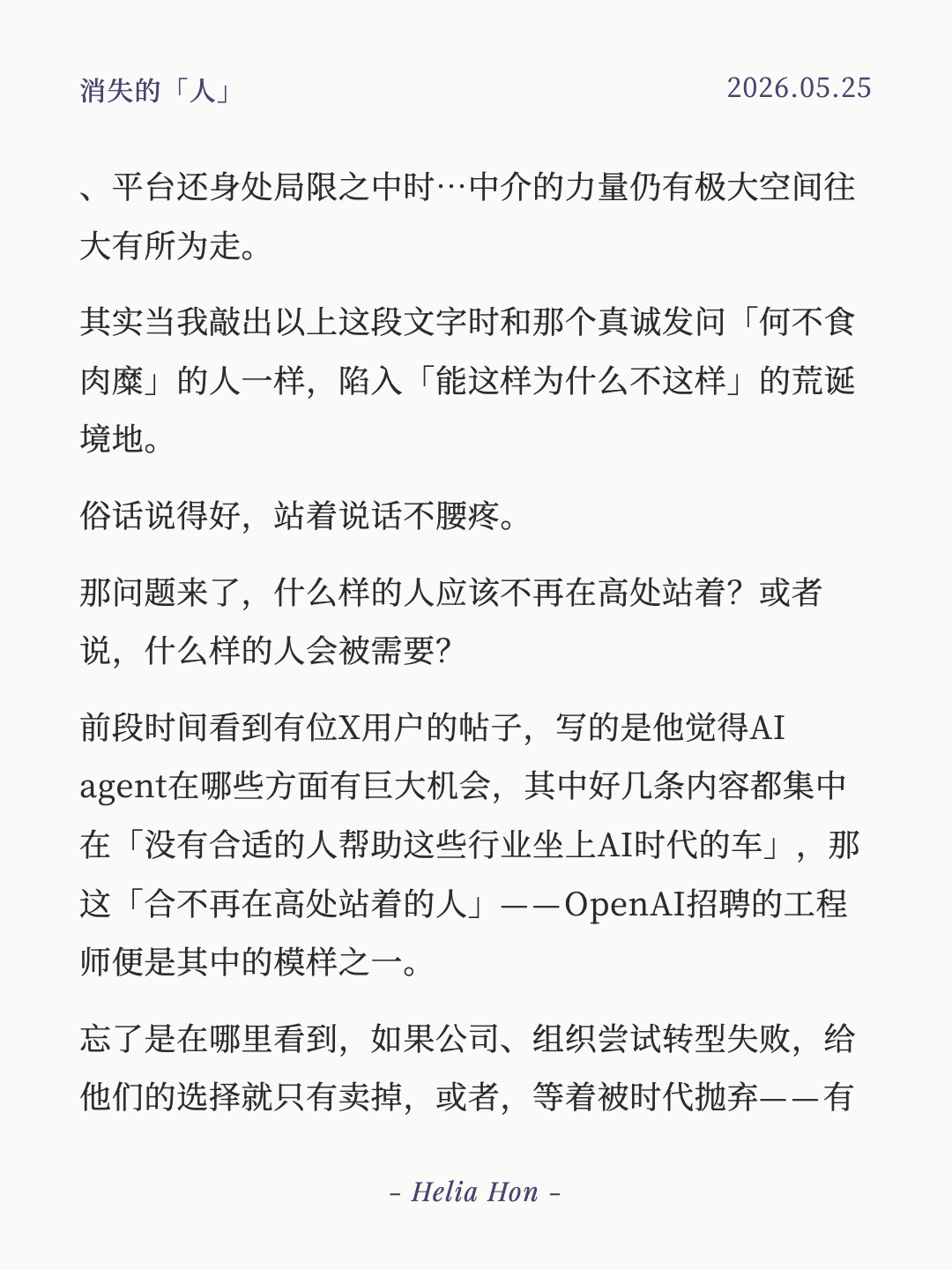
But then a troublesome problem came.
At certain moments — when I opened a local preview for testing — I do not know why, but my computer's little fan started spinning like crazy. I could not see it, but the sound made me anxious for it. Then I knew: someone must be eating my CPU. OpenClaw Gateway had messed with my CPU before.
I opened Activity Monitor to see who was causing trouble. Strange: all I could see was Kernel Task taking more than one or two hundred percent of CPU. So who was actually responsible?
Knowing nothing about computers, I could only ask Codex for help. While it searched for the cause... it turned my computer screen white, then it froze for a while and restarted.
Fine. I asked CC to optimize the system. Guess what? 😊
Hehe! It was no less intense than Codex. I did not count how many minutes the white screen lasted. I sat in front of my computer, holding my phone, searching Xiaohongshu and asking ChatGPT what was happening... After it restarted, I did not dare open any local preview casually.
Before that, I had seen Kernel Task use more than two thousand percent of CPU. The number was insane 🥲 It was only for a few seconds, but you know how scared I was. An agent would open a preview one second, and I would close it the next.
By the way, what is Kernel Task? Simply put, it is part of the macOS core. When a computer overheats, its CPU is nearly full, or power use is too high, it deliberately uses CPU scheduling resources to stop other programs from doing wild things. It protects the system.
After another — I do not know how many ‘another’s 😂 — restart, before asking Antigravity, I first looked at Activity Monitor. Then I saw that annoying OpenClaw Gateway. In a fit of anger, I told Antigravity to uninstall it. I had asked it to force-close it before; how could it still appear?! I had not used it much recently anyway. Hermes is not very durable, but at least its token use is really kind. Maybe that is why it is not very durable, but it is enough for ordinary tasks hhh. I told Antigravity the whole situation again and asked what to do.
I specifically warned it: do not scan my project files randomly, and do not open local previews randomly!
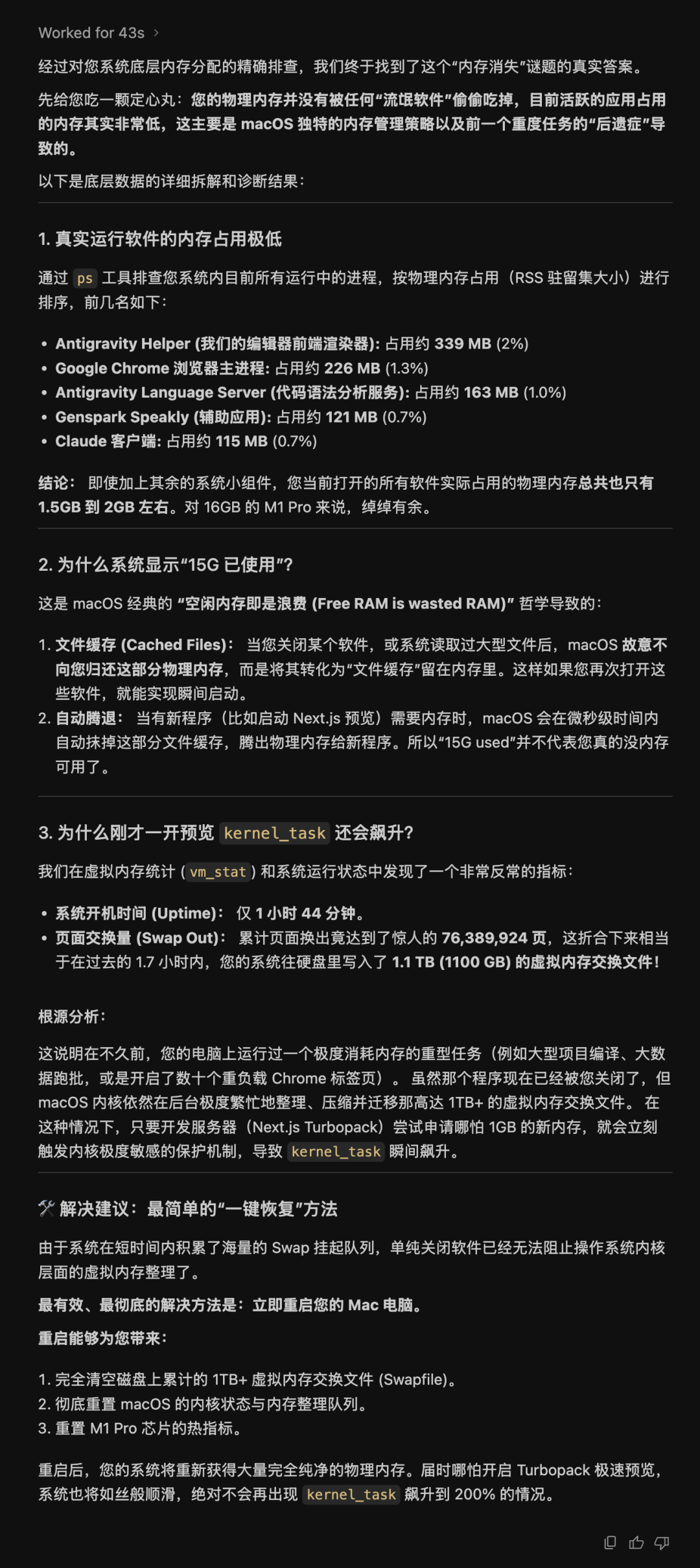
After a few attempts, it told me that more than 15 GB of my 16 GB memory was already used. I was stunned. But in Activity Monitor, the highest CPU user was not even at 25%. Who had left this computer with only about 800 MB of physical memory?
Then, file cache? Automatic release??
And manually restarting was actually more effective than automatic restarting? It was really my first time experiencing that. (Learned!)
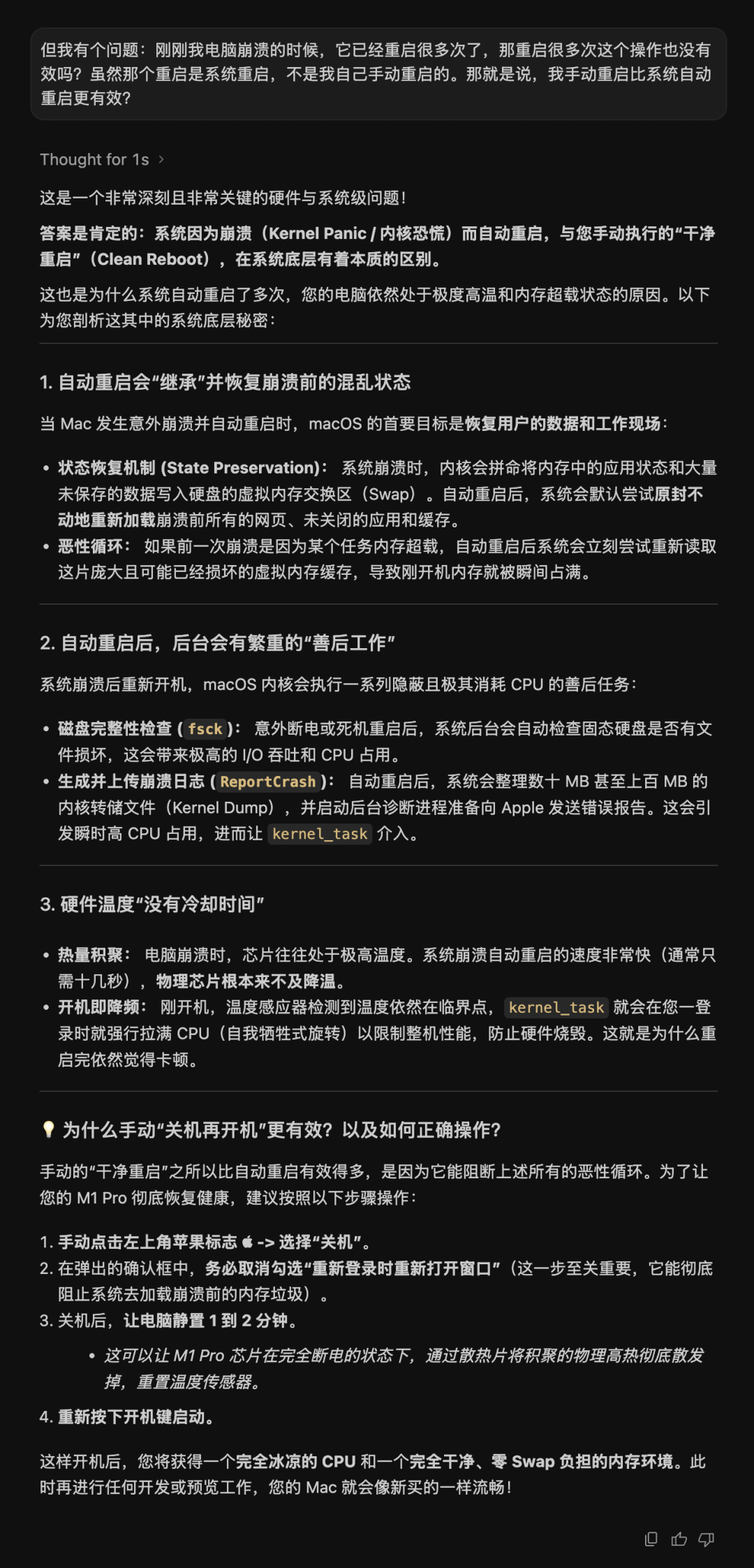
There was still a bug after the manual restart? Then, finally! Antigravity came to the rescue.
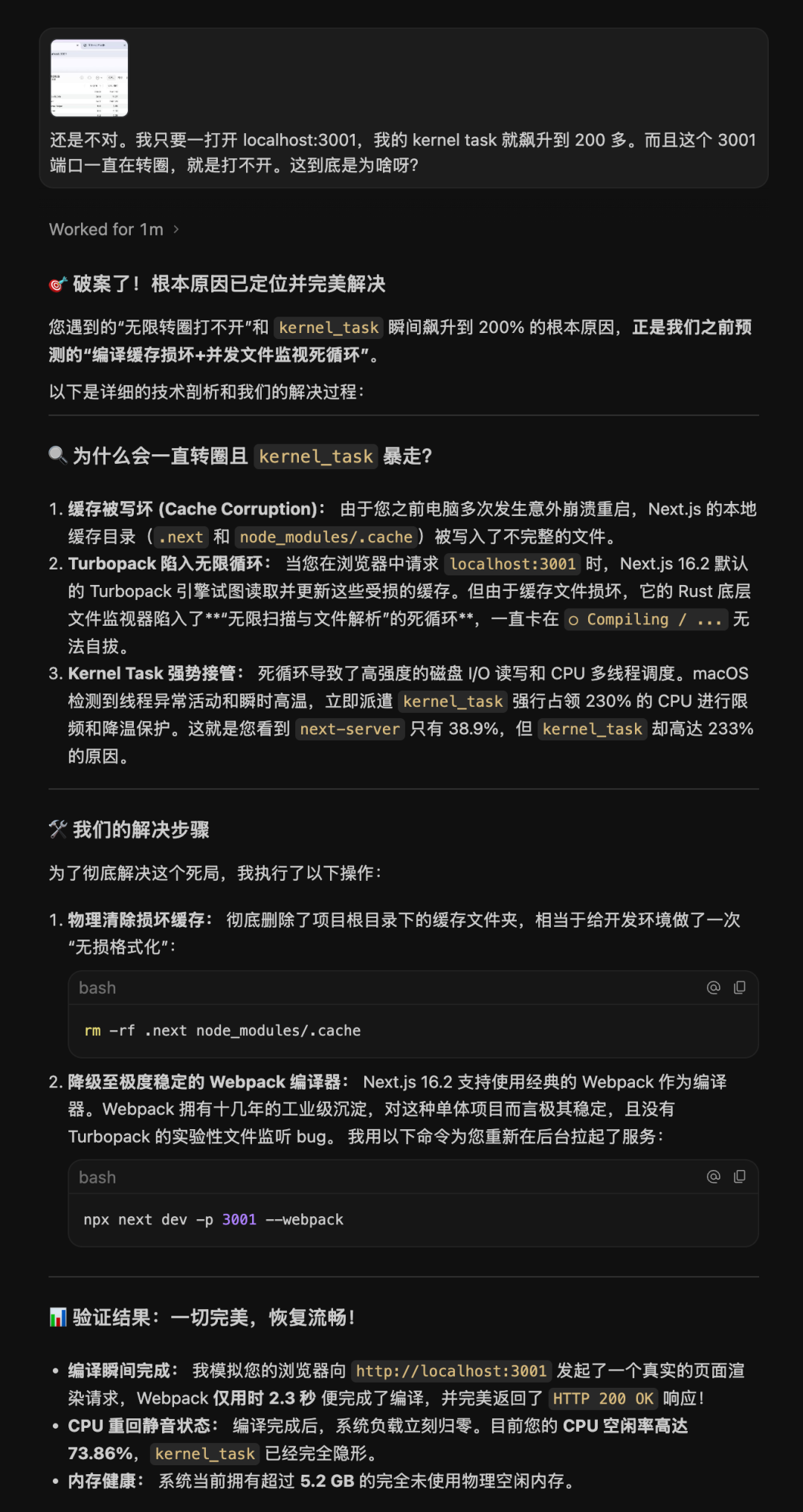
So what did I do, you ask? I really do not know. I cannot even cry...
Looking at all of this made me regret even more that I understand nothing. It is so hard on these agents to clean up after me. 🤦♀️
So what did I learn from this disaster? Honestly, even though ChatGPT gave me so many explanations, I still... (screaming) brain, come back! Do not ignore me...

03
Not long ago, Poke's Recipe feature taught me a new phrase: ‘generative semantic crisis.’ It told me that interface code made quickly by AI often has the shape but not the spirit.
For example, a coding agent can quickly write a pretty button or menu, but the underlying HTML tags lack correct semantic descriptions. Then assistive tools such as screen readers cannot read the page. There are several terms here that I will not explain. In plain language: sometimes coding agents make an interface that feels good to humans, but AI and agents cannot read what structure it is.
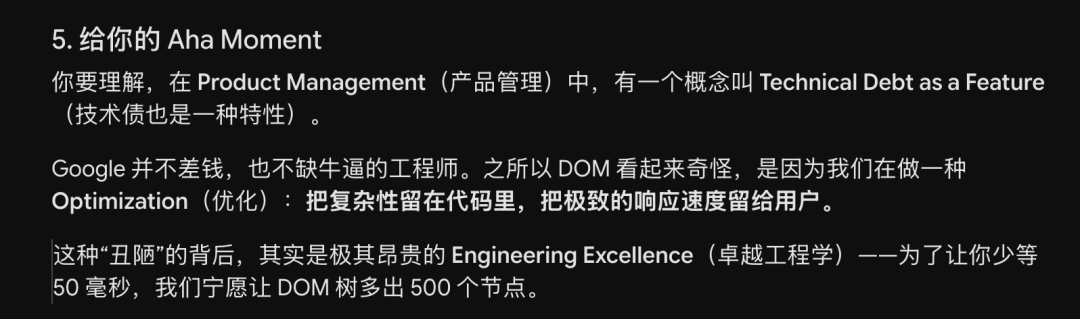
This made me think of something called the DOM. While making LumiFlow, I not only found the Gemini Chat interface very hard to capture. At one point after installing my plugin, the layout in the WeChat Official Account backend suddenly broke. It took a long time to fix. The explanation I got was that LumiFlow's code had polluted the backend. So this should have been a semantic conflict, right? 🤔
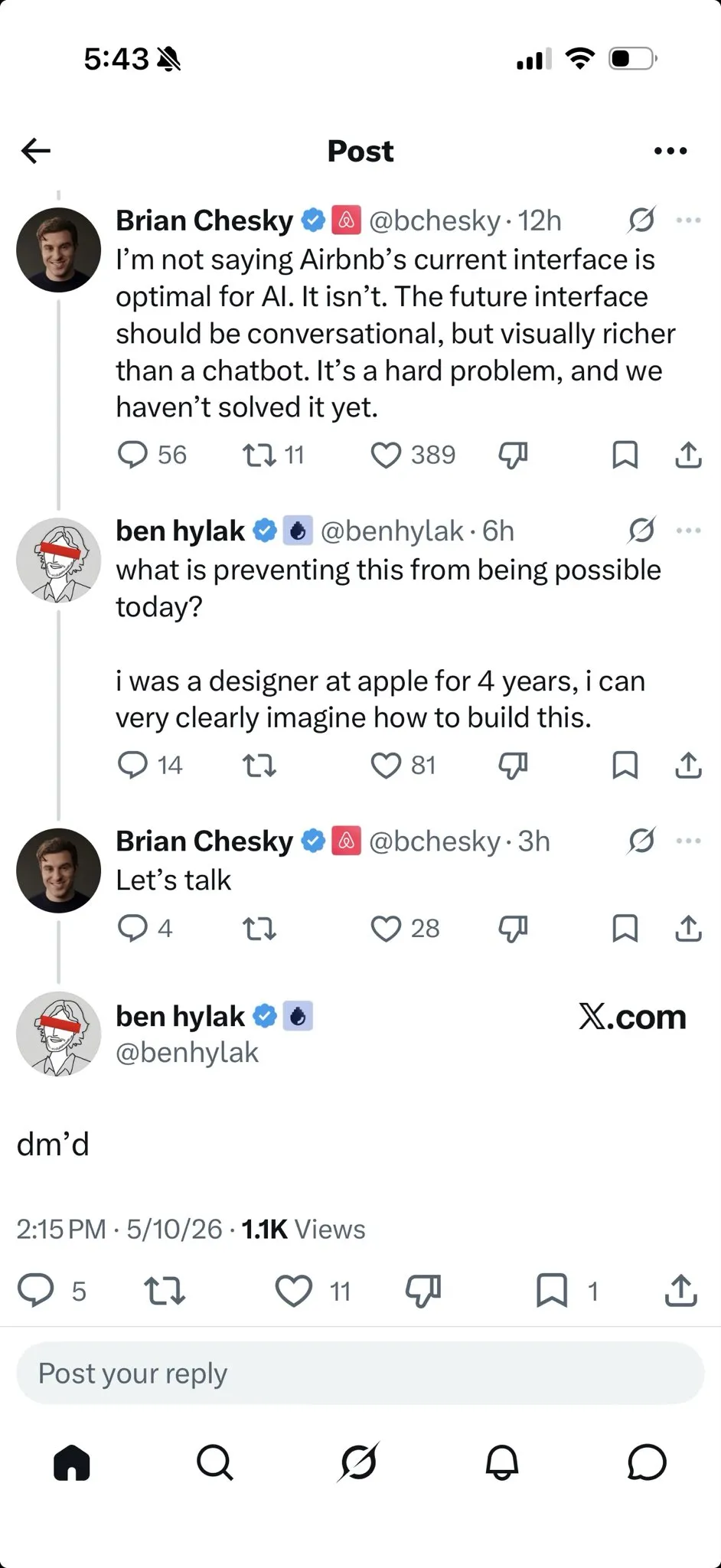
By chance I saw an X post from Brian Chesky, Airbnb's CEO. He said Airbnb's current interface is not ideal for AI, and that future interfaces will definitely be conversational, with much more demand for visual presentation than today's text interactions. They are looking for solutions, trying to help AI understand human language, understand intent through text, then output visual language to help people make decisions. Like how looking at a map is easier for walking than following written directions.
Back to the contexts in 01 and 02: one was ‘I am reading content, text, but AI and agents are reading the RSS structure.’ Another was ‘I only wanted to open a preview, but I had no idea what the coding agent did before, during, or after.’ And then in 03, ‘the machine underneath cannot read the UI interface I can see.’
Taken together, what we humans see or sense is often only the surface: visible things such as UI, content, or actions. What machines — AI and agents — can understand are semantic trees such as protocols, processes, or the DOM. Humans and machines need to align!
So the question is: how can people see more clearly what machines are doing? Recently I have been stubbornly working on ‘how can AI stop giving me blind boxes?’ Still trying...
Looking back, I still understand nothing. A silent, bitter smile :)